Your Absolute tools

More control on the listing

Title, amenities, house rules, photos Absolute shot, and the extras guests can add. Change what is true. Do not invent a second house.

What the listing is

The listing is the house guests buy. Title, the first photograph, the rooms they sleep in, the amenities they filter, the rules they agree to, and the extras they can tick. You change what is true. You do not invent a second house for a weekend that sold out.

Absolute merchandises the stay and takes payment. You operate the rooms. The host view sits beside the public page: calendar, the floor in AZN, messages on a reservation, who completed check-in. Checkout is not a second website you run.

Words, rules, amenities

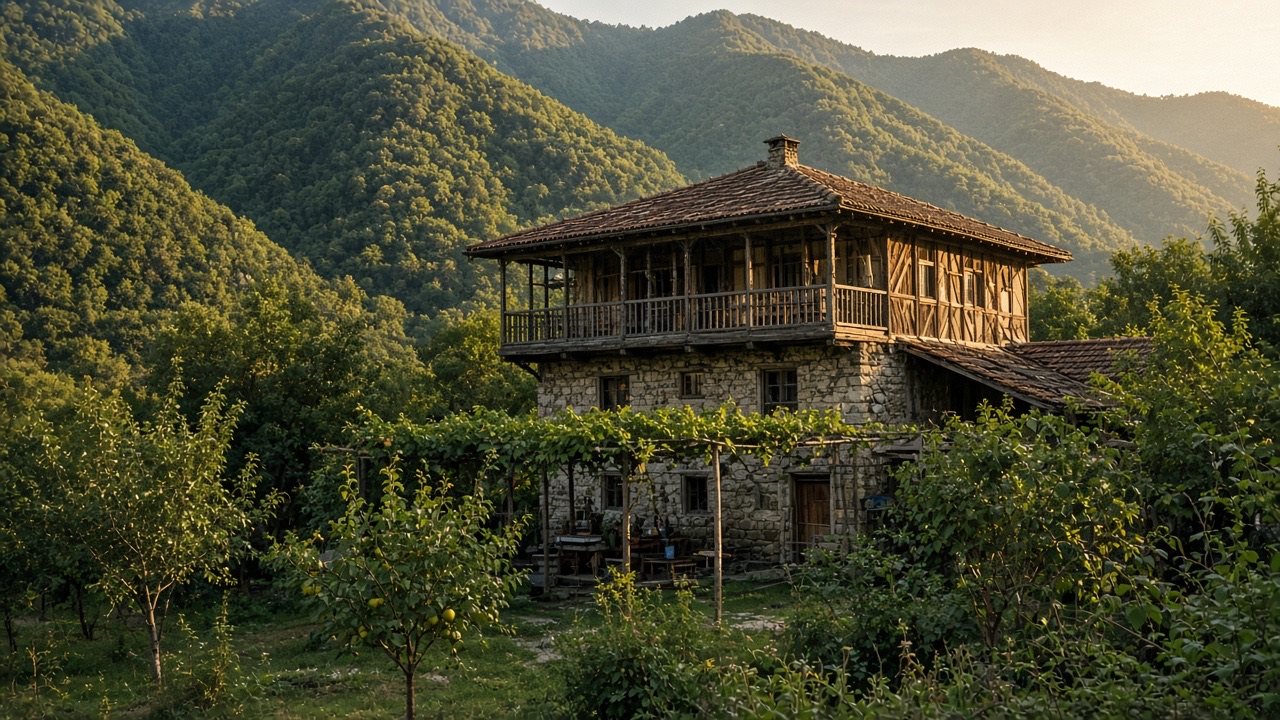
Edit the title so it names the place — a courtyard in Sheki, a dacha on the Caspian, a camp above Gabala. Edit house rules before someone pays: quiet hours, pets, smoking, how many people the beds actually hold. Close an amenity when it breaks. Add a winter note when heating is a stove you have to explain.

Guests filter for what you tick. A kitchen that is a kettle on a landing is not a kitchen. Wifi that dies after lunch is not “high speed”. Parking that is a steep verge should say so. Honesty here is how search keeps showing you to people who will stay.

Photographs

Absolute shoots the listing. Ask us to replace photographs when the rooms have changed — a wall came down, a pool closed, a bed left the house. Do not upload a neighbour’s terrace or a summer sky over a winter stove.

The first frame should be a room people sleep in, or the view they actually get, not a dark corridor. A photo tour that names rooms helps a family see where the children go. Reorder only if the new order is still true.

Extras guests can add

A transfer, a table, a mid-stay clean — list only what you will still run on a Tuesday. Each extra sits in the stay subtotal. The 15% programme fee sits on that subtotal. A menu of extras you cannot deliver is a review and a message to Absolute.

Do not invent extras in WhatsApp after they booked. If an extra died — the driver left, the baker is closed — take it off the listing and tell the guest who already ticked it.

Calendar and the floor

The minimum nightly price and the open nights sit beside the listing, not in a side chat. Change the floor for open nights. Close nights you cannot host. A weekly price can sit under the nightly floor if you want longer stays.

Smart pricing may raise the guest nightly price on busy dates. It never goes below your floor. A higher guest price does not auto-raise your payout unless we wrote a different host amount.

What stays with us

Checkout, guest verification, the 15% programme fee line, and AbsoluteCover copy stay with Absolute. You cannot turn cover off. You cannot move the stay to another URL to dodge the fee. You cannot pair a brand of smart lock through this tab — lockbox, codes and keys have their own guide.

Arrival facts you do control: how they get in, the pin, parking, the wifi name, checkout time. Preview what the guest will see after they book. The reservation record is the ledger for that stay.

Apply to host

You may also like

AbsoluteCover for hosts